
Auto
Finds and restores defects across the photograph.
Defect restoration
GrainMend RGB repairs dust and scratches in film scans without an infrared channel.
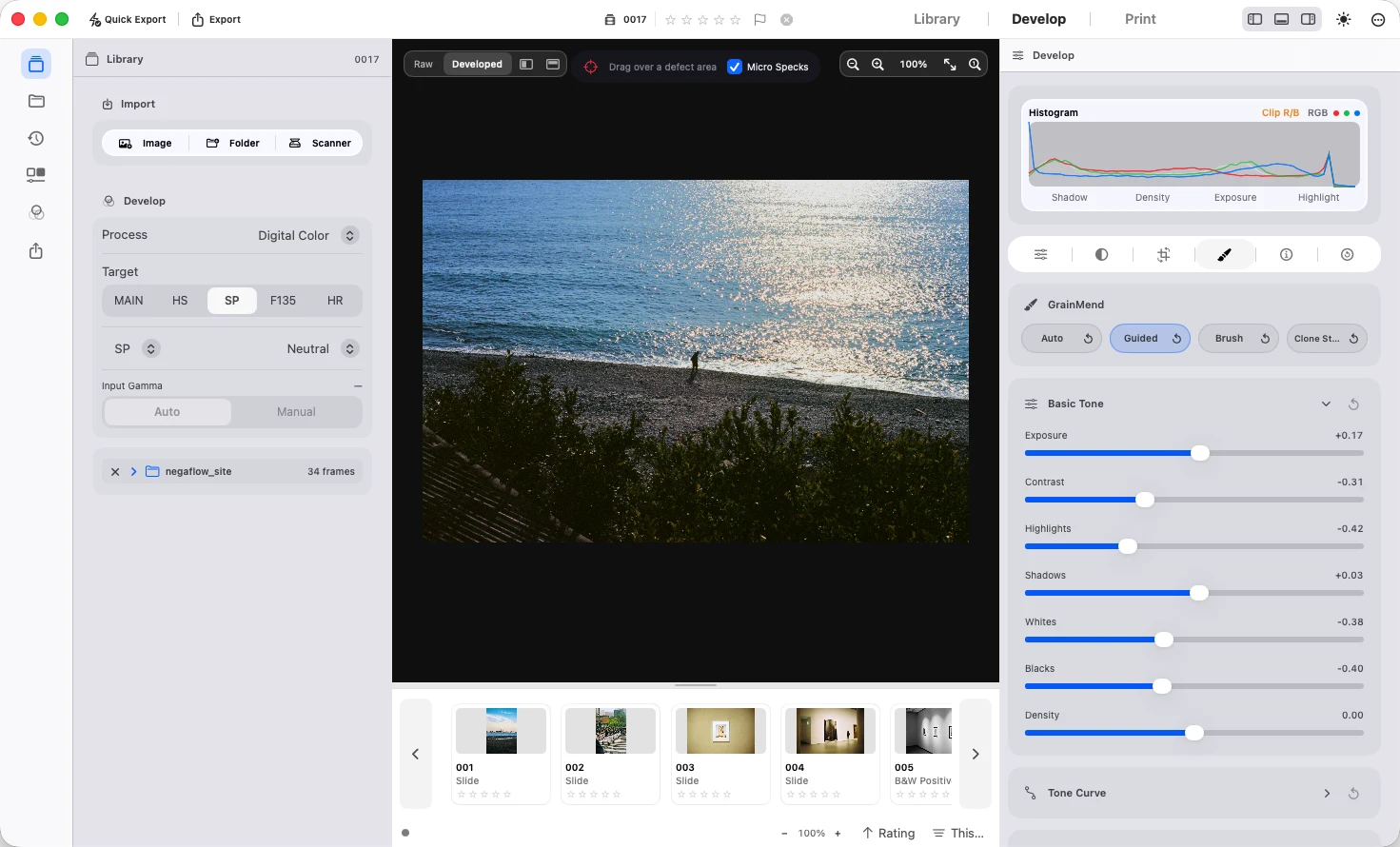
Finds and restores defects across the photograph.
Finds defects inside an area you specify.
Paints the area to restore directly.
Copies pixels from a selected source to another location.
Check the detection mask and repaired image, since complex patterns can be mistaken for defects. Use Guided or Brush to repair areas that need more work.
Adjust the strength of each repair layer, or disable and delete layers individually.
Enable it during scanning when the scanner plugin provides an infrared channel. Results are added to the same repair layer list.
It is not an implementation or compatibility mode of Digital ICE, iSRD or SRDx.