Features
Organize, develop, restore and print photographs on macOS and Windows. Edits are stored separately from the originals.
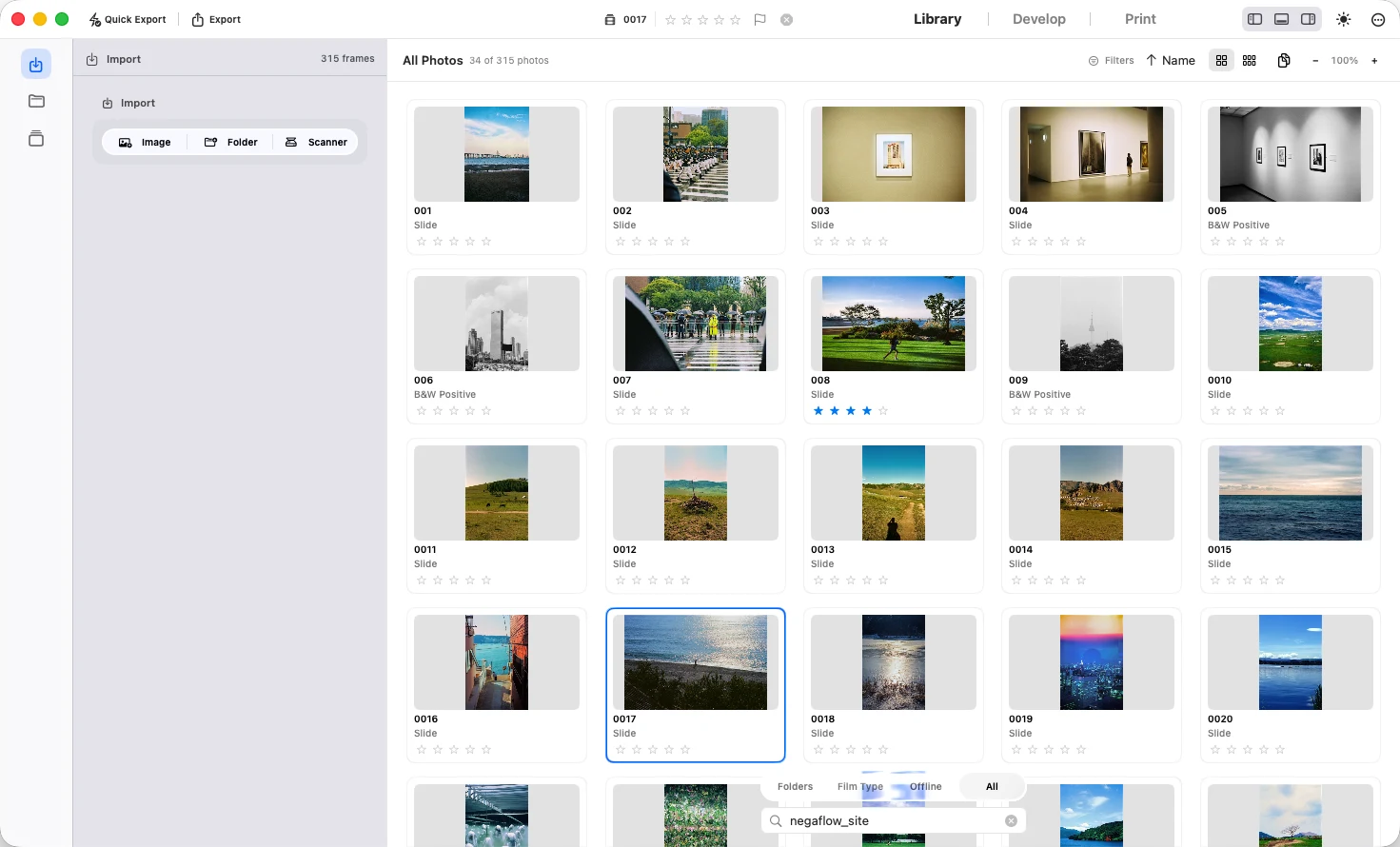
Library
Import photographs and folders, then organize them into rolls and collections.
- Find photographs by rating, camera, lens or film
- Group similar photographs in stacks and compare edits with virtual copies
- Apply presets and copy settings to several photographs
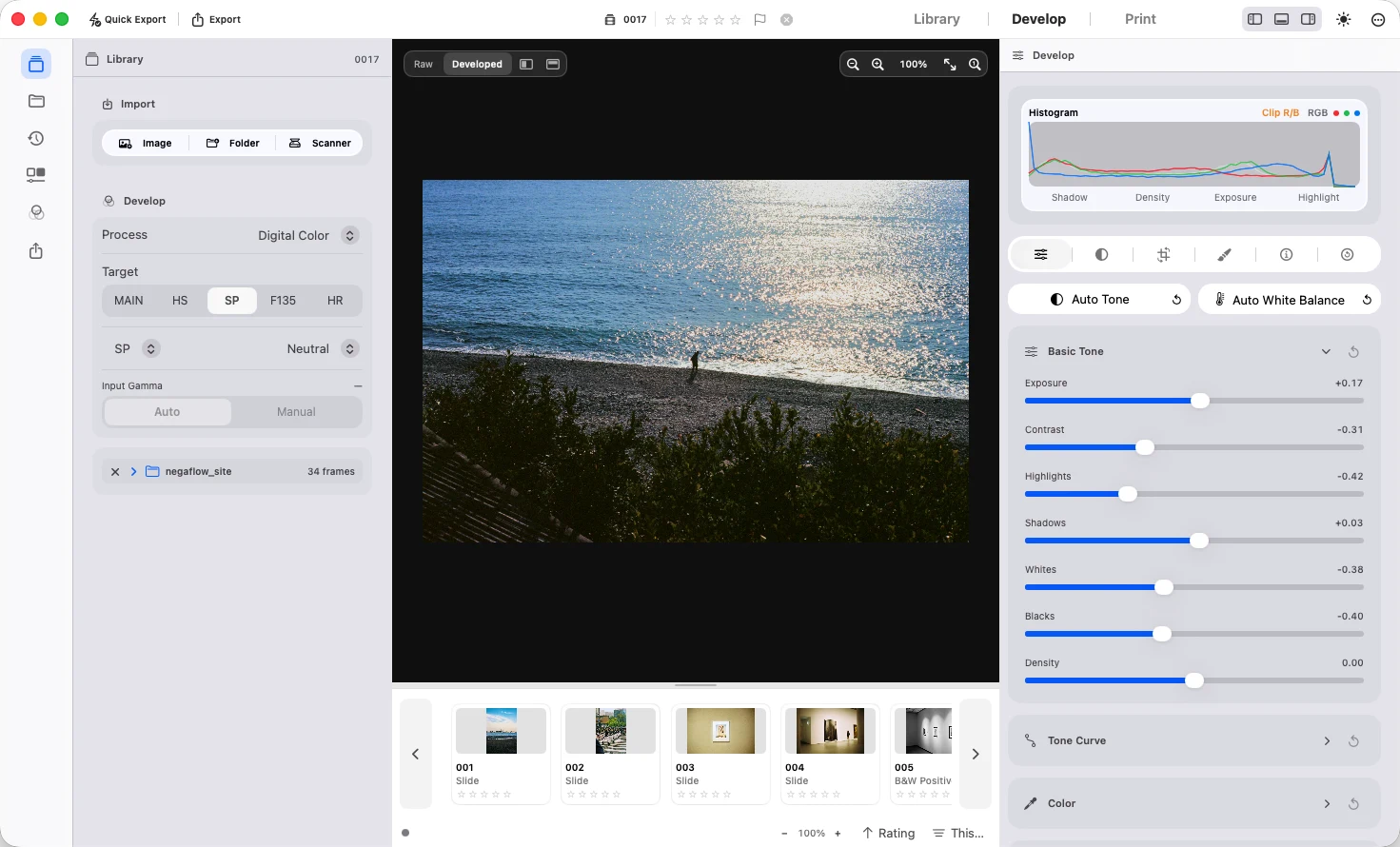
Develop
Adjust the film base, color and tone. Use GrainMend to repair dust and scratches.
- Exposure, contrast, curves, HSL, color grading and black-and-white toning
- Sharpening, noise reduction, grain, vignette and halation
- Crop, rotate, compare, histogram and clipping indicators
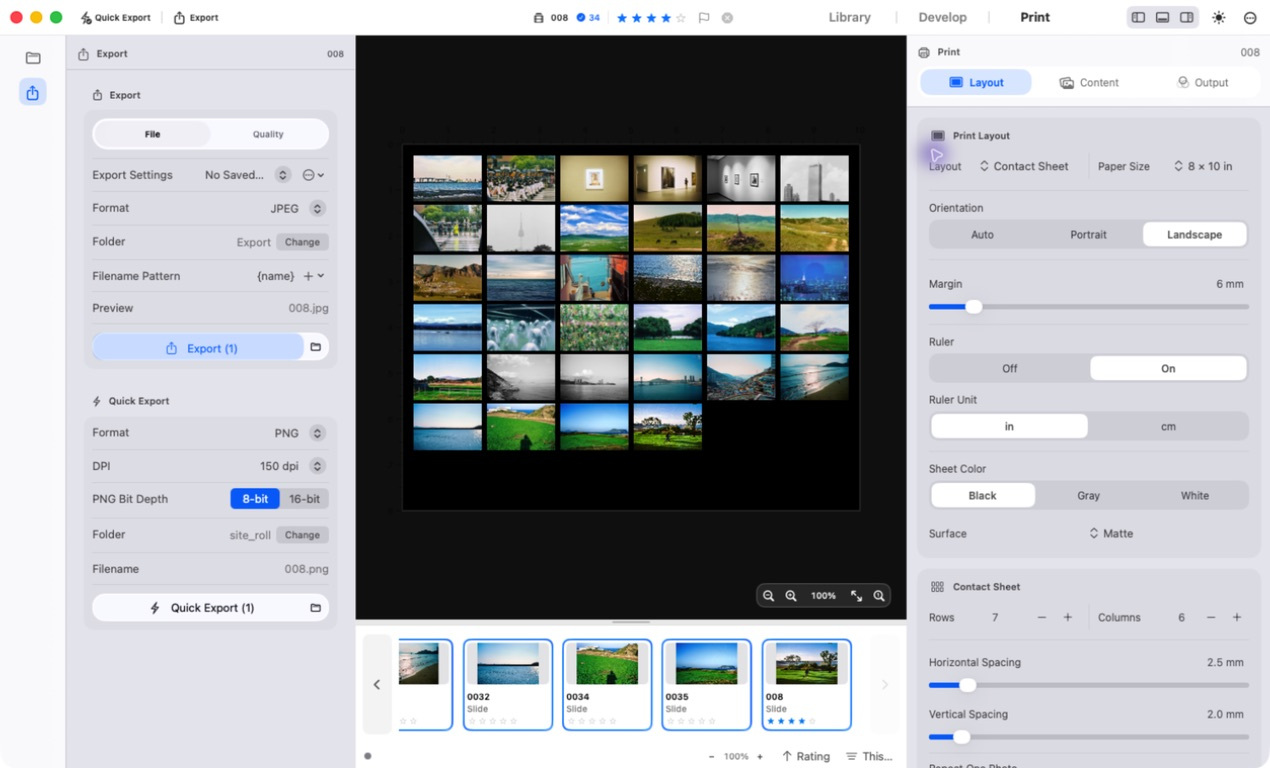
Print
Set the paper size and margins, then arrange your photographs. Make a single print or a contact sheet for a roll.
- Single images, contact sheets and picture packages
- JPEG and 16-bit TIFF export, DPI and file naming
- Output color spaces, RGB ICC profiles and C-print preview
Connecting a film scanner requires a separate plugin. Check supported scanners for model requirements and installation.
Installation and usage instructions are in the user guide.